Projects

My Music Page
I created this page whilst completing the free code camp challenge about making a product landing page, when working on products one thing I've struggled with in the past was what topic to base it on! Then I realised... I really should have a web page for my music! At the time of making this I was still early on my journey and only used HTML and CSS to create the page. However it was my first introduction to @media and responsive web Development and most importantly CSS Flex!

Snake Javascript Game
I completed a task on Scrimba to create a basic snake game with HTML, CSS and Javascript. Alot of the methods used within the course I was familar with and it helped me build my muscle memory whilst also stretching my understanding of their power. For example it was good to revisit a technique of creating the grid for the game by using a for loop to create 100 divs. Once I completed the course I had a basic snake game working with arrow keys on a computer. At this point I decided to not only add more styling to the game, but to add working buttons for touch screen players to make this accessible to touch screen devices and keyboard users.

Bootstrap Carwash
Recently I had a chat with an employer and we discussed the ways his company work and what skills they are looking for. One particular framework he mentioned was that they use was Bootstrap. Now being honest when I first did a frontend bootcamp, Bootstrap was mentioned but I avoided spending to much time on it to focus on learning HTML and CSS properly and I hadn't looked back since. After speaking to the employer I realised I should go back and build a project using bootstrap. In a couple of hours I managed to build a responsive site that I am pretty proud of and made me realise the potential power of a framework!

Disney Plus Clone
I found a popular disney + clone creation video on youtube that I decided to follow to learn about React, Styled Components, Redux and Firebase. I really enjoyed the different approach to the development of the site by arranging each apart of the site into Components and importing each component into the index file. However I started the battle of deploying the site using github pages and this lead to a lot of stress googling and trial and error and some use of my terminal. However the relief when it all appeared made it all worth while!
(Click here to see the video)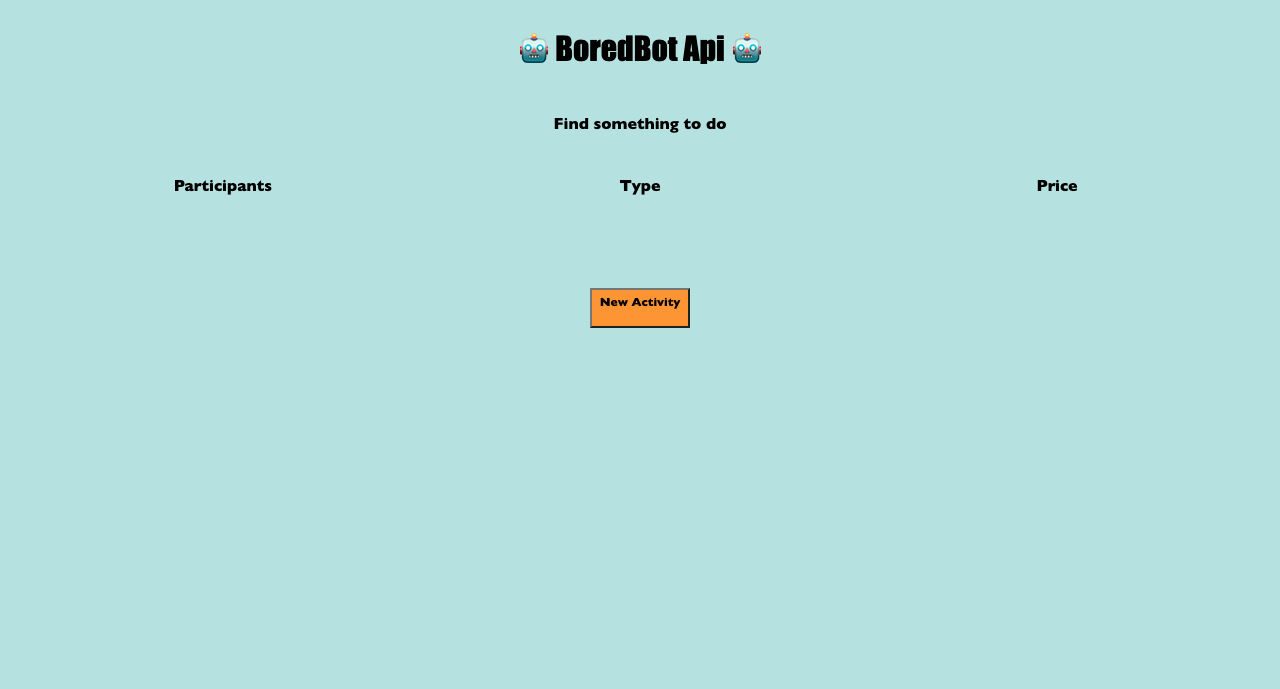
BoredBot
One thing I know will open a world of possiblities and will be very important with my future work is working with an API and working with JSON. Until I had done this project I had no first hand experience of this. But while completing the scrimba Frontend Developer pathway I created this BoredBot API project. Intially as part of the challenge it was only to add the activity via the API but I decided to add the other elements passed by the API to really build that muscle memory of not only getting data from an API using the Fetch method, but also manipulating the DOM!
Dice Game
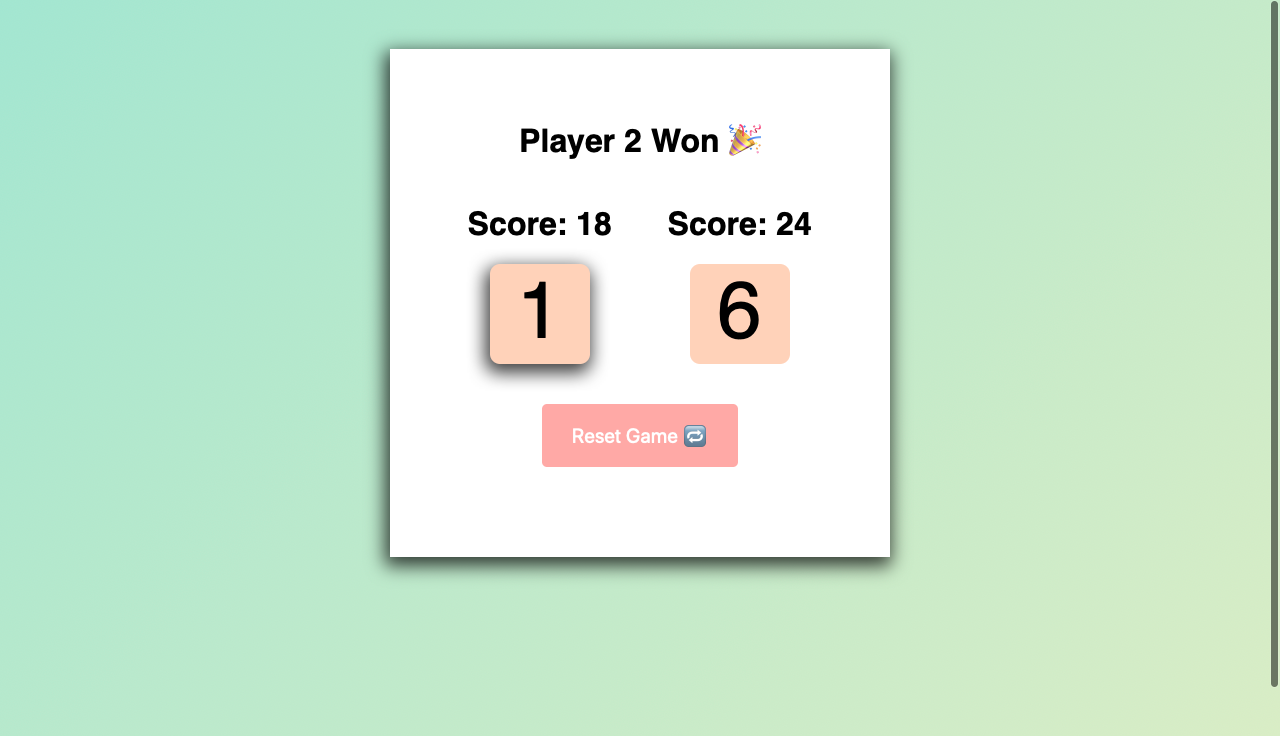
This project was a great little project to create an event listener, playing with IF statements and also manipulating the DOM multiple times. This project I really feel like the DOM manipulation clicked and made me feel comfortable with understanding how to make HTML more dynamic using Javascript.
Wrexham Building Plastics Page
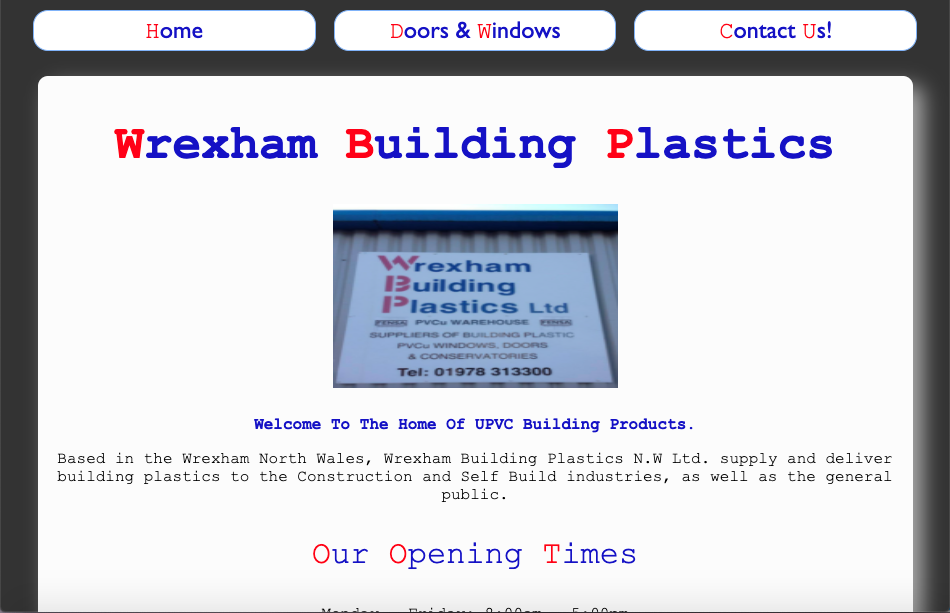
This project is a bit of a personal battle for me really. When I started learning HTML and CSS and I was looking for projects to take on, I looked at the website for my dad's business and realised how outdated it was! (Click here to see the original) So only with the resources available from the original site I decided to create my simple responsive version of a single page layout for him with a simple form that submits an email directly to generate leads (currently the email form is configured to email me)
Candy Crush
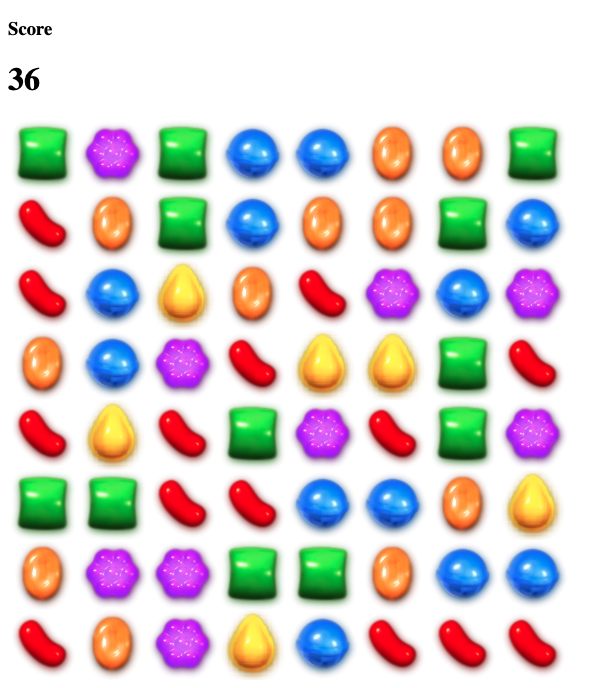
When I first started learning Javascript I followed a tutorial to not only get an understanding of the basics but to see how they can be used in making something that lots of people can relate too. Doing this made it a lot easier to understand using functions to manipulate the Dom and allow people to play a game and have the game track the score automatically aswell. A big part that I found interesting was using Javascript to create a grid making multiple div tags automatically rather than using 100s of lines of html (this also came in handy when making my snake game)